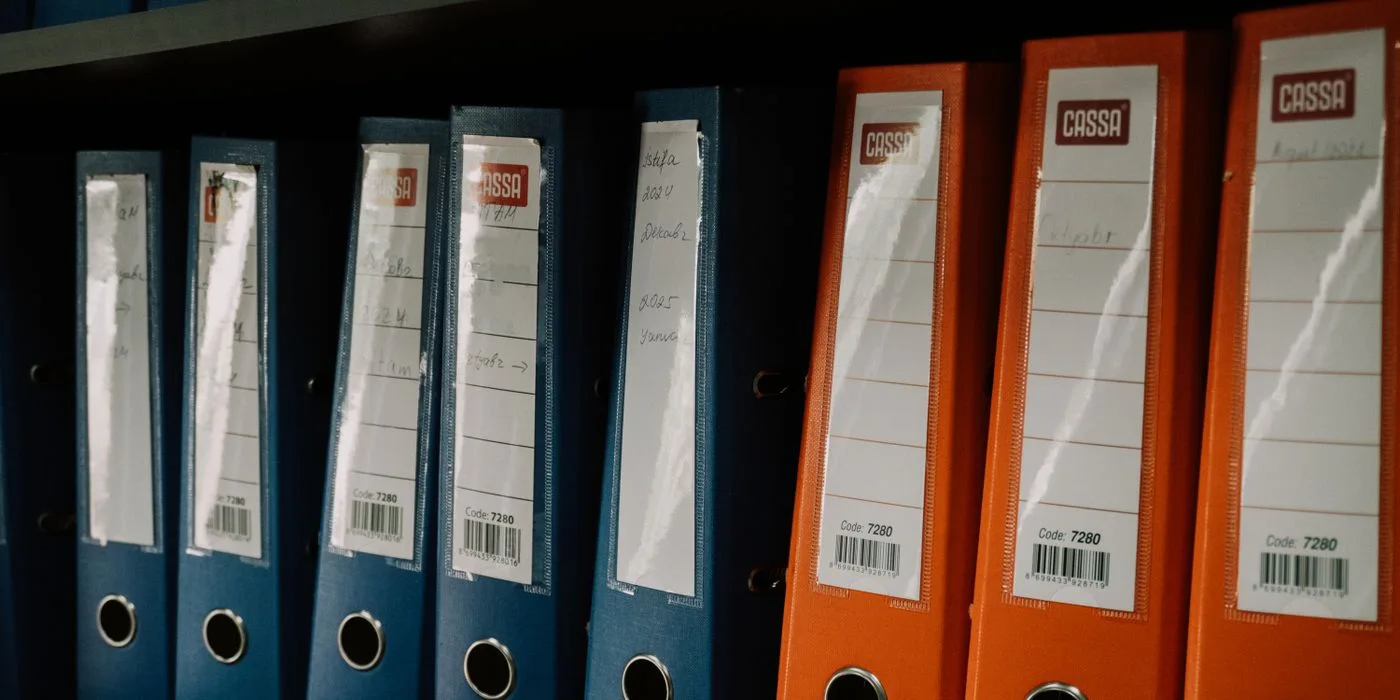
A checklist marked complete is difficult to review when the attached workbook has been replaced by next month's version. A close task needs a stable record of the balance, evidence and judgement the reviewer actually saw.
Anchor the evidence to a period
Name the entity, account, period and ledger extraction date. Attach or reference the version of the supporting schedule used for review. Summarise reconciling items, their owners and due dates. For an updated schedule, explain which figure changed and retain the relationship to the previous version.
Distinguish completion from unresolved work
Document whether each exception was cleared, accepted under policy or carried forward for investigation. Capture the reviewer and review date. When a prior-period item reappears, link back to its earlier decision. That gives the next reviewer a continuous record without requiring them to reconstruct the close from email.
The reconciliation and period-close steps in Accounting360 give each evidence pack an identifiable ledger balance.
More to discover in Numerish.
Explore related insights and practical enterprise workflows.