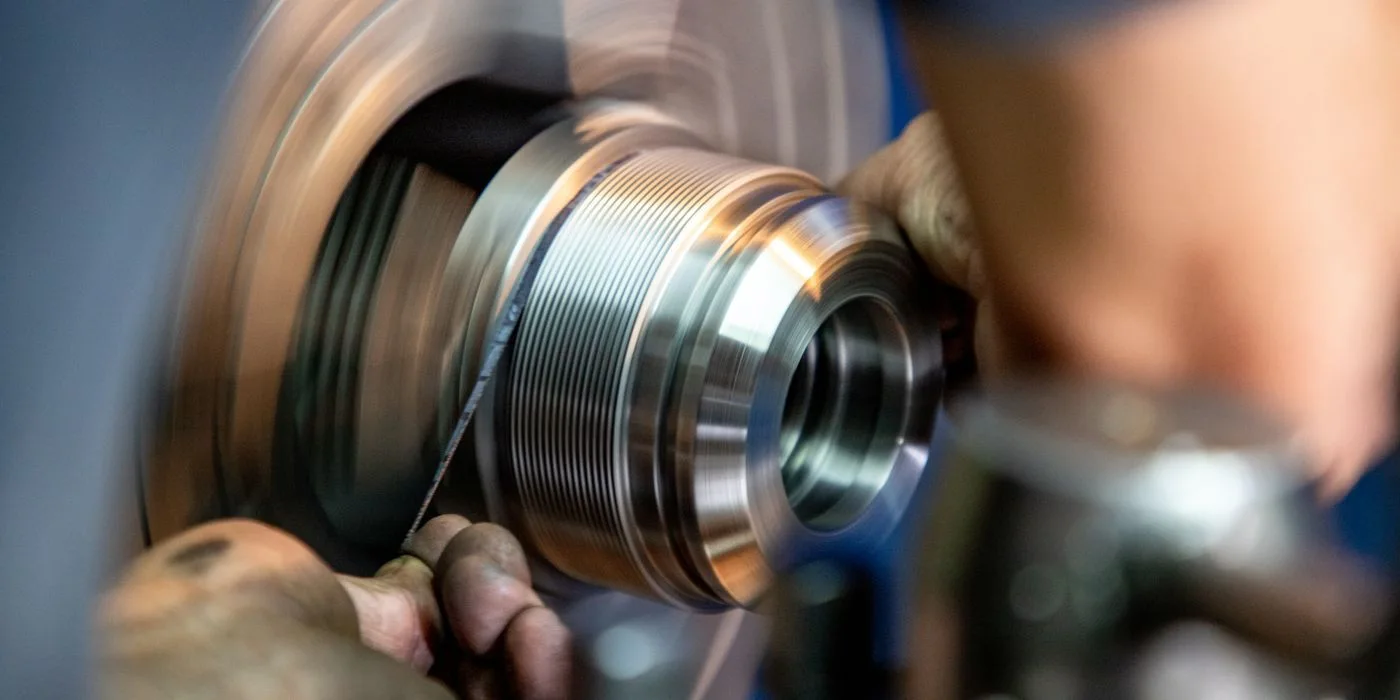
A batch of 100 housings finishes inspection with 12 on hold. A second operation can recover some of the 12. Counting every item leaving rework as another manufactured housing would inflate gross production and conceal the first-pass issue.
Keep the original batch in view
Suppose 88 pass initially. Of the 12 held for approved rework, nine pass reinspection, two are scrapped and one remains under review. The order now has 97 accepted housings, two scrapped and one held. The count is still 100. Capture the additional operation time separately so the plant can see the resources spent on recovery.
Close the decision as well as the task
A technician finishing the rework activity records the work performed. The quality owner separately records the reinspection result and disposition. Link both to the original Manufacturing360 batch and record any split lot created for released stock. The warehouse can dispatch the accepted quantity and the plant manager can still identify which units needed an extra pass.
More to discover in Numerish.
Explore related insights and practical enterprise workflows.