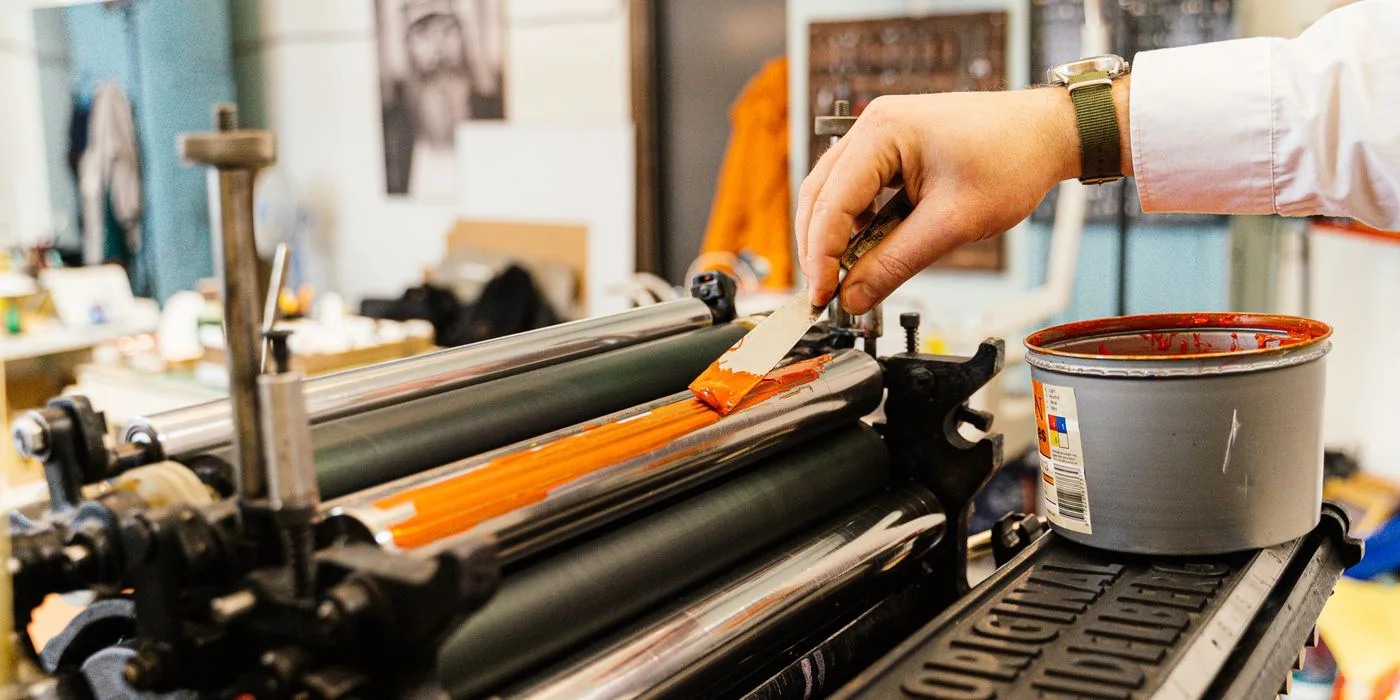
How to allocate setup time across a manufacturing batch
Measure setup and running time separately to explain why a smaller batch consumes more machine minutes per finished unit.
Fresh thinking for a connected enterprise. Practical perspectives on the people, processes and technology moving business forward.
Explore the insightsFinance. Operations. Industry. Connected.
Perspectives from Numerish
Explore the journal
21 published articles
Search across the Numerish journal or choose a business sector that matters to you.
Measure setup and running time separately to explain why a smaller batch consumes more machine minutes per finished unit.

Reconcile manual production issues with end-of-run consumption entries when the same component appears in both records.

Use available component quantities and the released bill of materials to decide how much of an order a plant can release.

Calculate first-pass yield and final acceptance from the same original population without hiding repeated manufacturing effort.
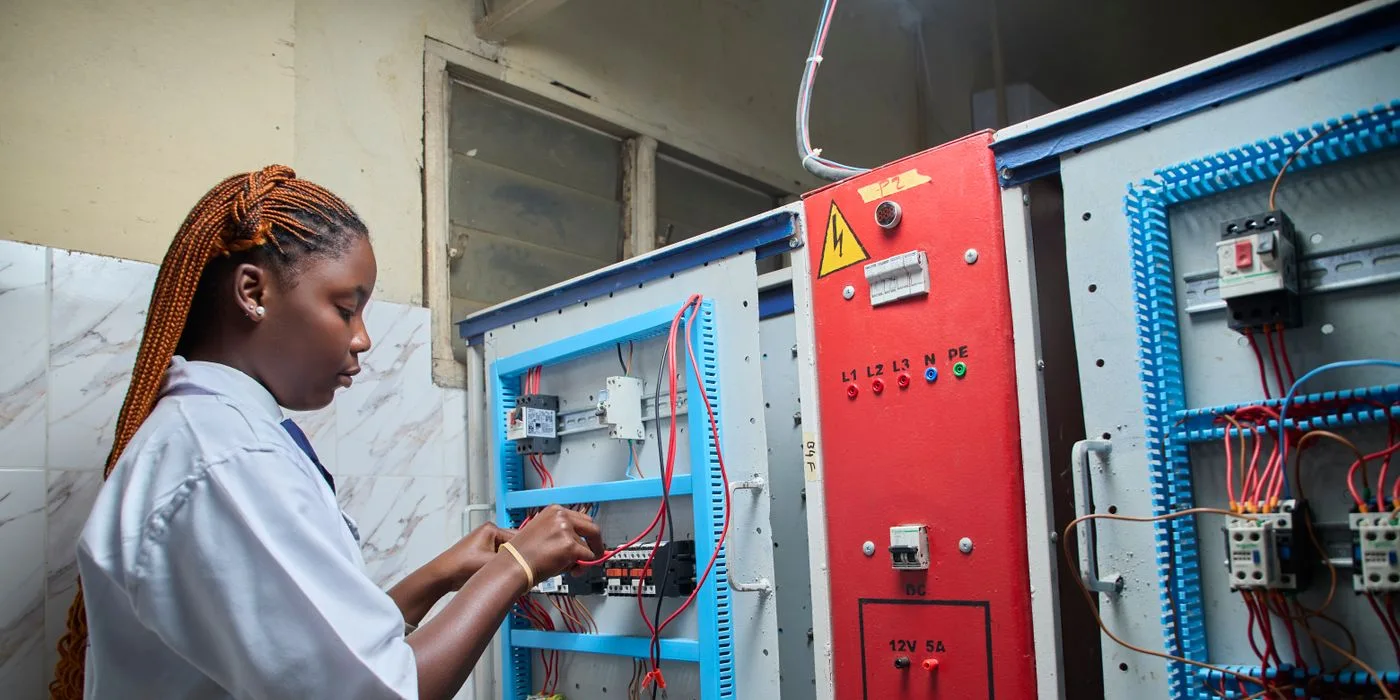
Balance a planned service window with job completion, available spares and the operation that needs the asset next.

Tie a rework decision to the original batch and reconcile accepted, rejected and still-held units at reinspection.

Identify completed operations, physical work in progress and accepted finished output at the reporting boundary.

Give an approved alternative a clear order boundary, quantity and lot reference so stores and quality can reconstruct what was assembled.
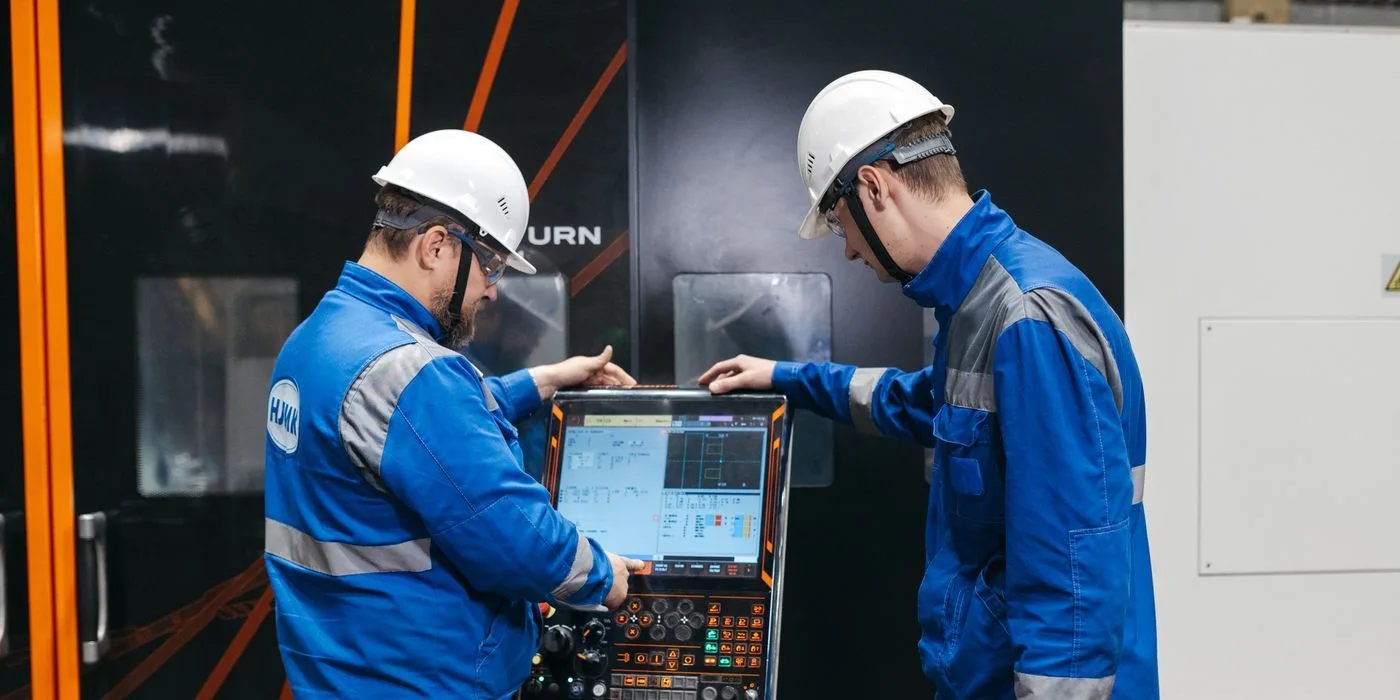
Connect the service record, site-authorised release and first production order so the shift knows when an asset is available again.

Give surplus finished units a documented destination before sales, inventory and production close their records.
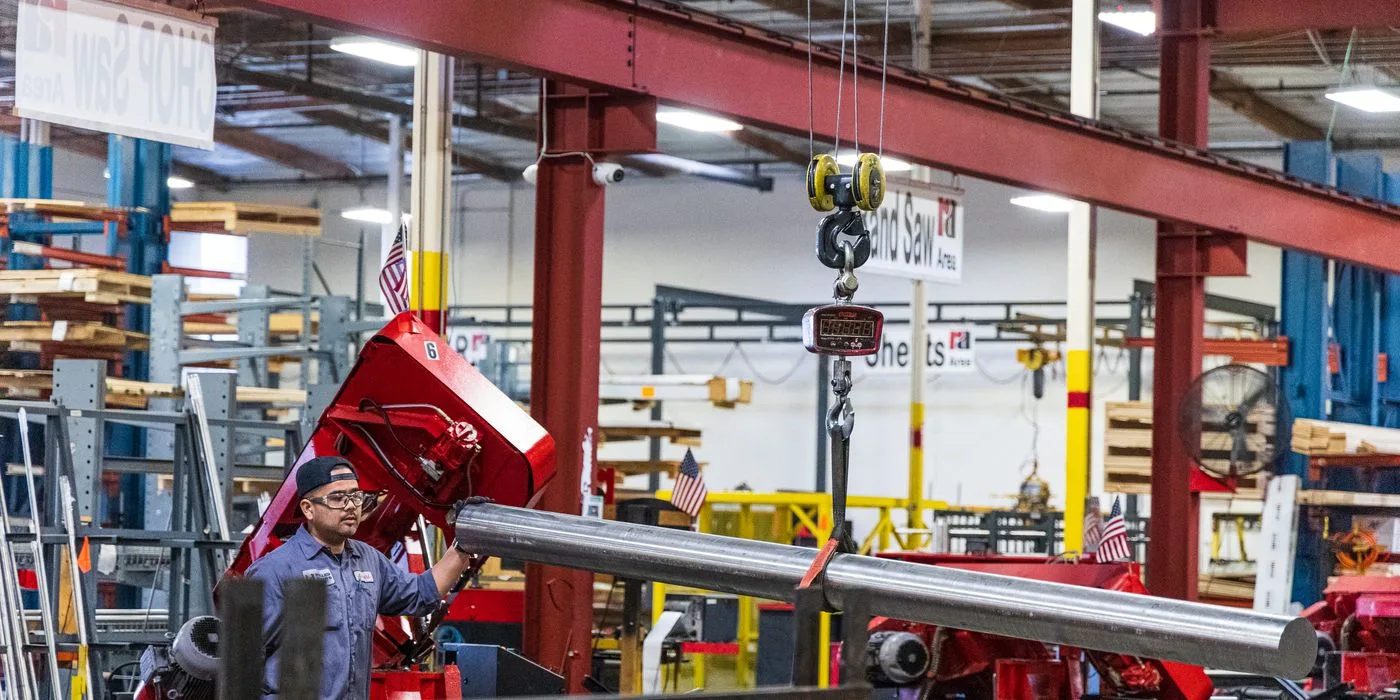
Connect supplier lengths, material issues, usable offcuts and cutting loss so a production order consumes the quantity it actually uses.

Distinguish physical quantity, quality disposition and available-to-promise stock when inspection is incomplete.
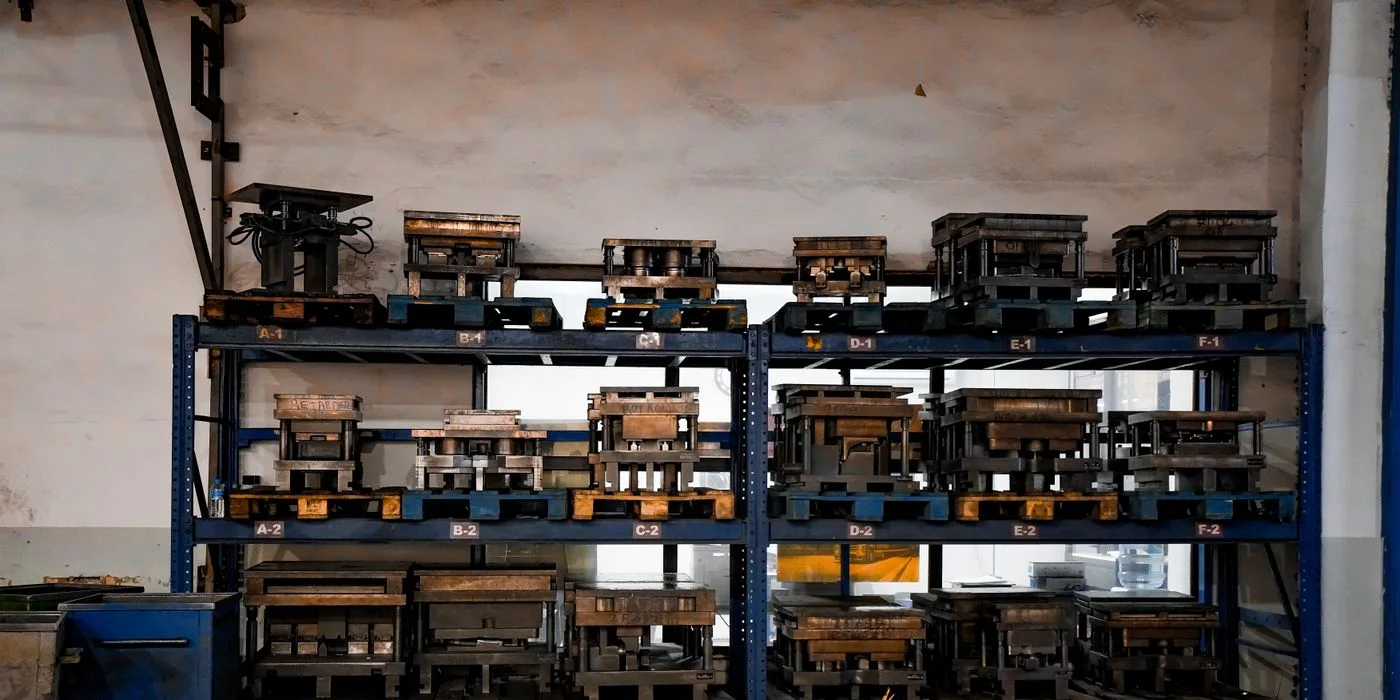
Check named tools, time windows and changeovers when several work orders compete for one shared tool.

Track issued, returned, rejected and outstanding units for subcontracted operations before closing the production order.

Use transfer quantities and timestamps to distinguish a routing queue from missing work in progress at shift change.

Compare setup and run time for orders competing for one work centre, then make the delivery trade-off explicit.

Reconcile issued, installed, returned and scrapped components before closing a production material balance.

Keep accepted and held quantities separately identifiable when one production batch receives more than one disposition.

Define the release boundary for a revised component so purchasing, stores and the work centre can identify which orders use each version.

Follow component issues into finished lots and shipments to locate the affected population when a supplier raises a query.
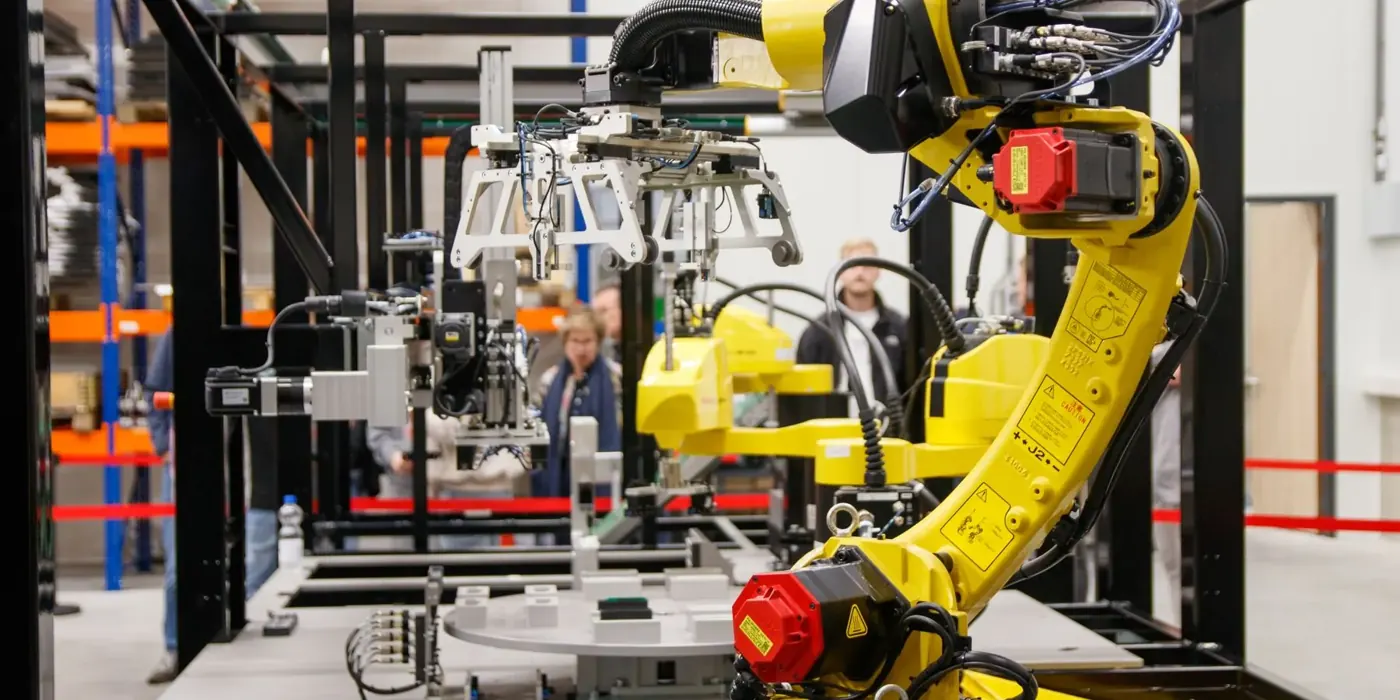
Trace a production cost variance through material issues, yield, quality holds and finished stock. See how Manufacturing360 supports decisions about repeat orders.
Go a little deeper
Explore the platform, understand the workflows,
and find your next step.
Explore Numerish products built to bring teams, information and workflows together.
Explore productsDiscover how ERP360 connects finance, operations and the work in between.
Discover ERP360Find guidance and documentation to help you get more from Numerish.
Browse documentationYour next chapter
See what a connected enterprise could look like for your business.